
Ethernet Config
Android 16 Lineout. Screenshots and steps on these pages were taken on Bass: Lineout (Lineage 23.2 / Android 16). On Android 14 (Lineage 21.0) the same tools can look different, sit in a different Settings place, or be missing from that image entirely.
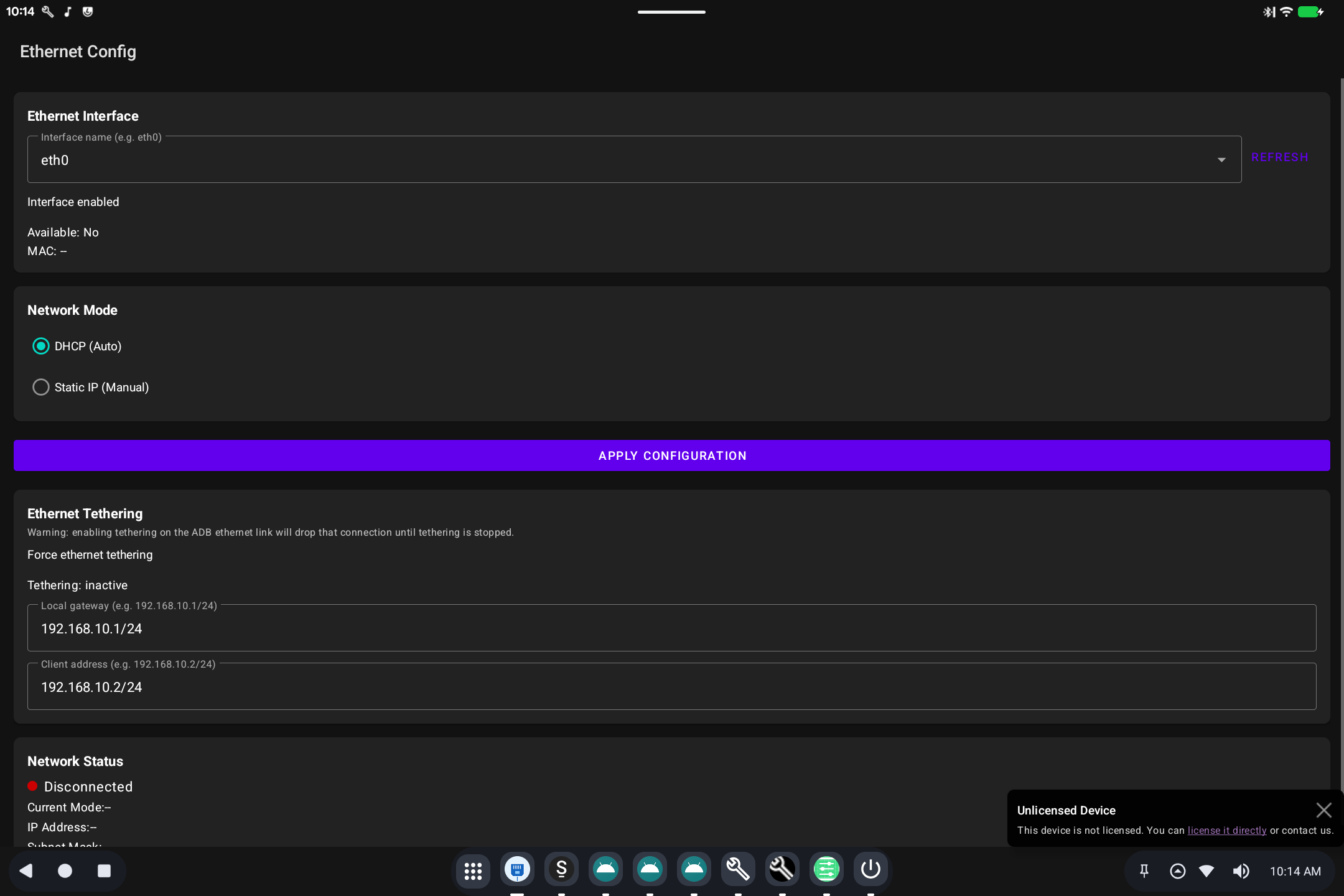
Ethernet Config is the screen for a wired network (RJ-45 or USB Ethernet).
What it is for
Wi-Fi is in Settings → Network & internet. This tool is for a cable: DHCP vs a manual address, and related Ethernet options used on kiosks and desktops that stay plugged in.
How to use it
- Plug in the Ethernet adapter or cable.
- Open Ethernet Config from Settings or the app list.
- Choose automatic address (DHCP) unless your network team gave you a static IP.
- Apply / save, then confirm Settings → Network & internet shows a connection.
If the page is missing, this image may not include Ethernet Config.