
Getting started
Android 16 Lineout. Screenshots and steps on these pages were taken on Bass: Lineout (Lineage 23.2 / Android 16). On Android 14 (Lineage 21.0) the same tools can look different, sit in a different Settings place, or be missing from that image entirely.
Welcome to Bass: Lineout. This is an Android tablet (and optional desktop-style) system for PCs and convertibles. These pages explain how to use the tools on the device. Developer build flags, properties, and source layout live under Applications and Development on this site. The same guides also ship in the on-device Ax86Docs app.
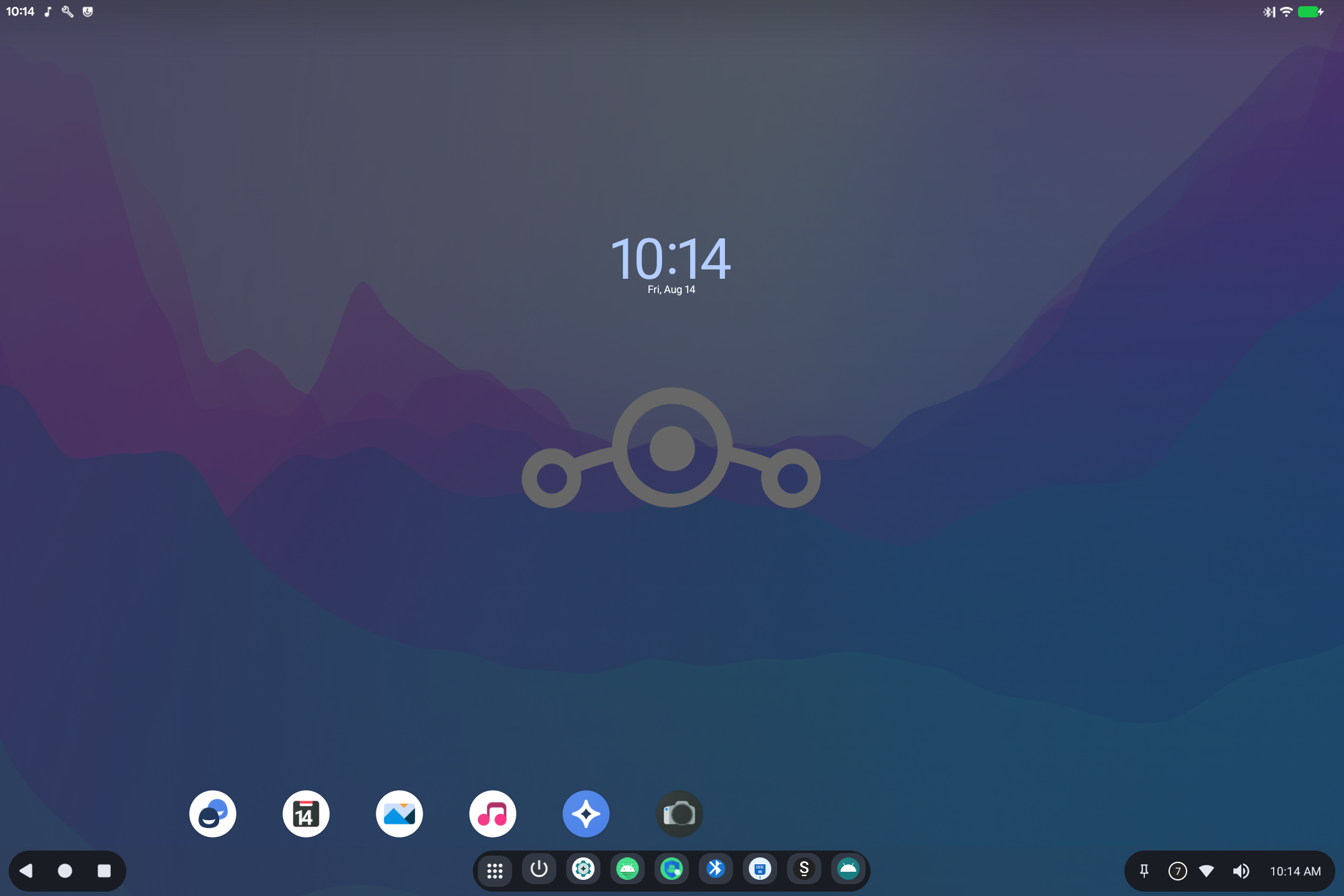
How this device is laid out
- Home: wallpaper, clock, and shortcuts. Open the app grid from the dock (the 3×3 dots).
- Taskbar (bottom): Back, Home, Recents, pinned apps, Wi-Fi, sound, and the clock.
- Settings: the gear icon. Many Bass tools live under System (and Bass Audio under Sound).
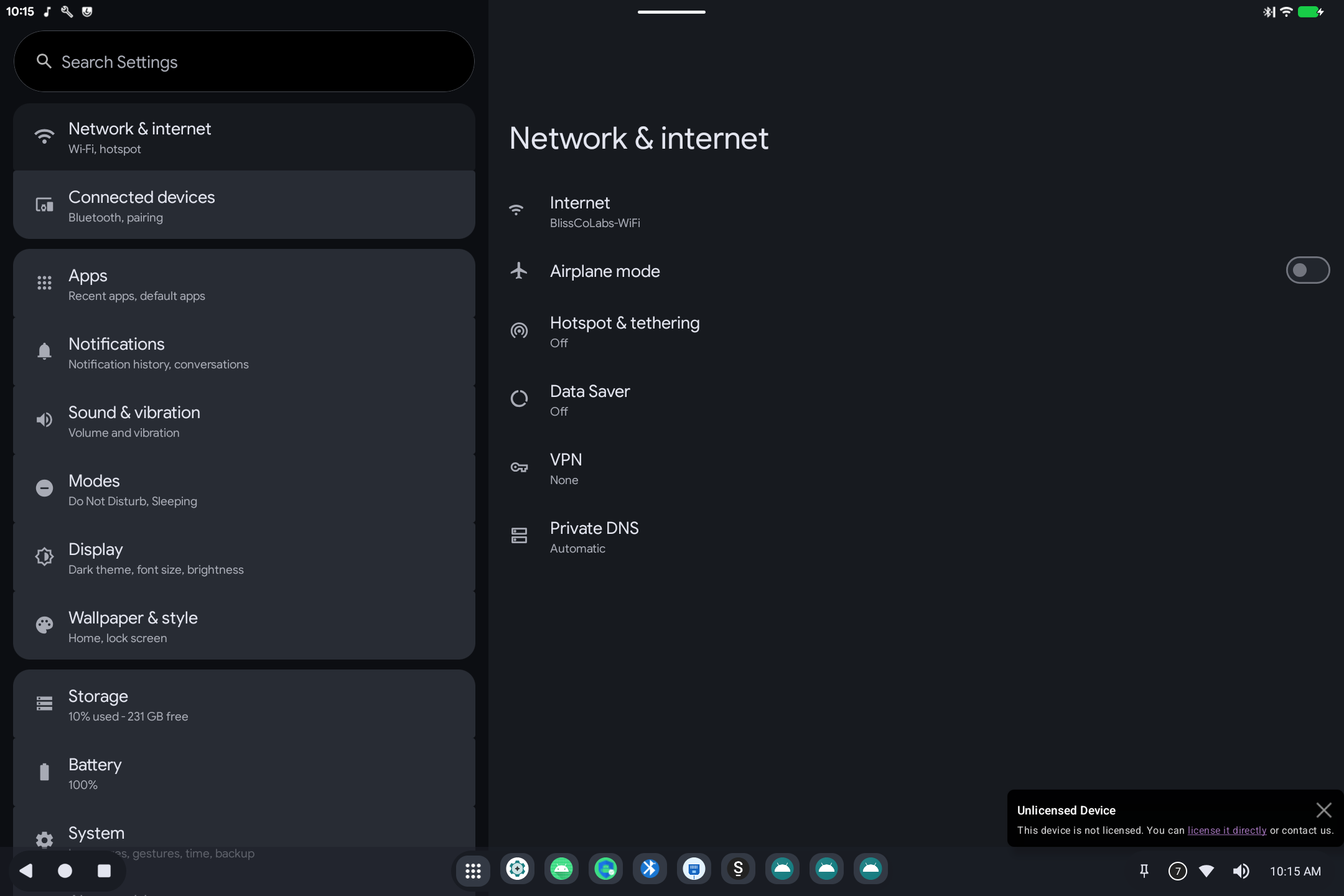
Not every image includes every tool. If a page below describes something you do not see, that feature was not built into this particular install.
What the tools are for
Tips
- Search in Settings if you cannot find a tool by name.
- Reboot after Boot Config or Display Mapper changes that say they apply at next start.
- Sleep is controlled in Ax86 Power: useful on laptops that wake from a USB keyboard or mouse.
- Licensing banners (BootSight) are separate from Android Settings; use BootSight to check or activate.