
SmartDock
Android 16 Lineout. Screenshots and steps on these pages were taken on Bass: Lineout (Lineage 23.2 / Android 16). On Android 14 (Lineage 21.0) the same tools can look different, sit in a different Settings place, or be missing from that image entirely.
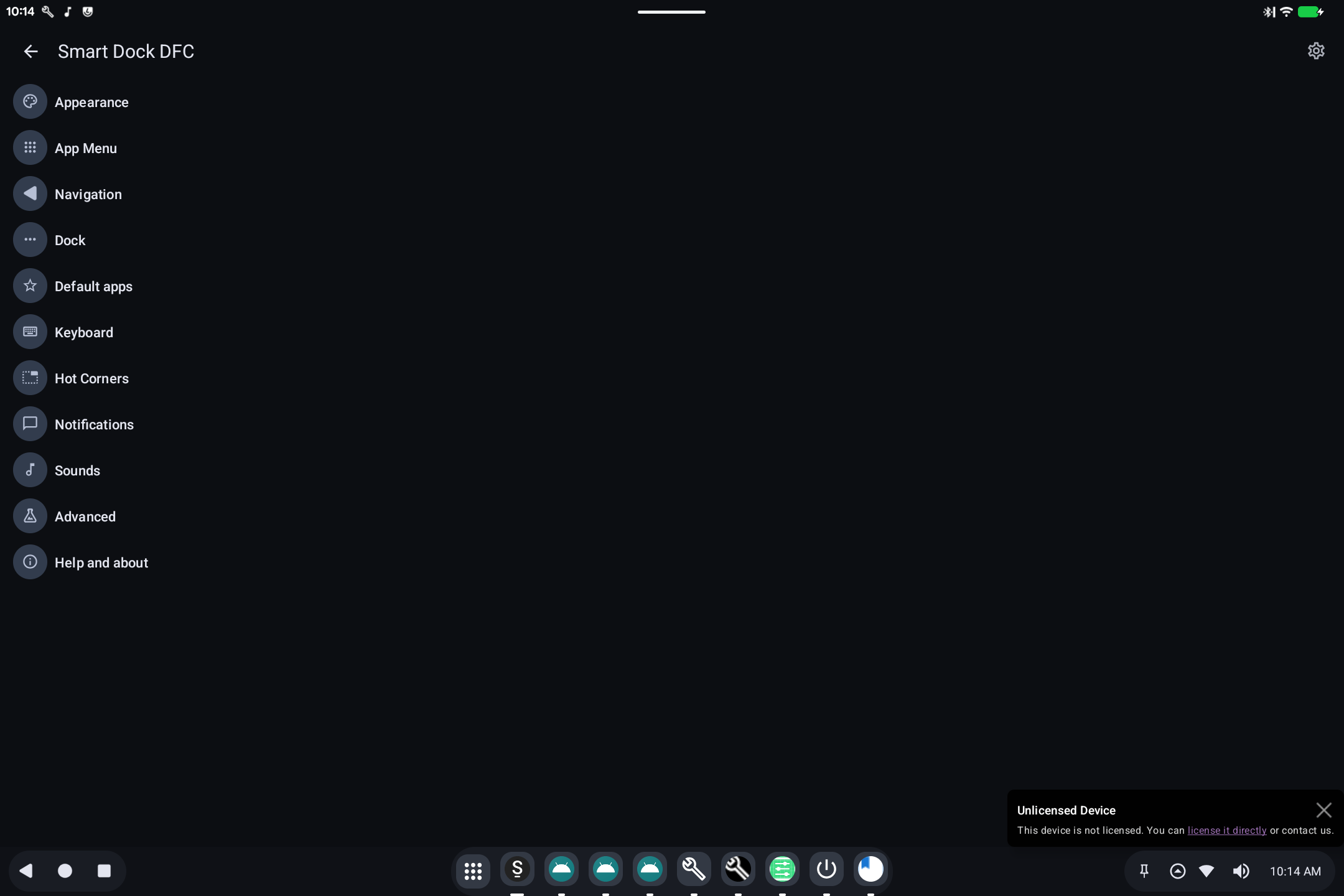
SmartDock is the taskbar along the bottom of the screen: Back / Home / Recents, pinned apps, and a system tray (Wi-Fi, sound, clock).
What it is for
On a tablet or PC, a persistent dock is easier than a phone-style gesture-only bar. SmartDock is that dock. It can look like a desktop (many pinned icons) or stay closer to a tablet.
How to use it
- App grid (3×3 dots): all apps.
- Pinned icons: launch or switch to those apps.
- Tray: network, volume, notifications, time.
- Open SmartDock from the app list if you need its own settings (auto-hide, position, which icons appear).
If the dock is missing, it may be turned off in BlissTweaks launcher options, or this image was built without SmartDock.