
BlissTweaks
Android 16 Lineout. Screenshots and steps on these pages were taken on Bass: Lineout (Lineage 23.2 / Android 16). On Android 14 (Lineage 21.0) the same tools can look different, sit in a different Settings place, or be missing from that image entirely.
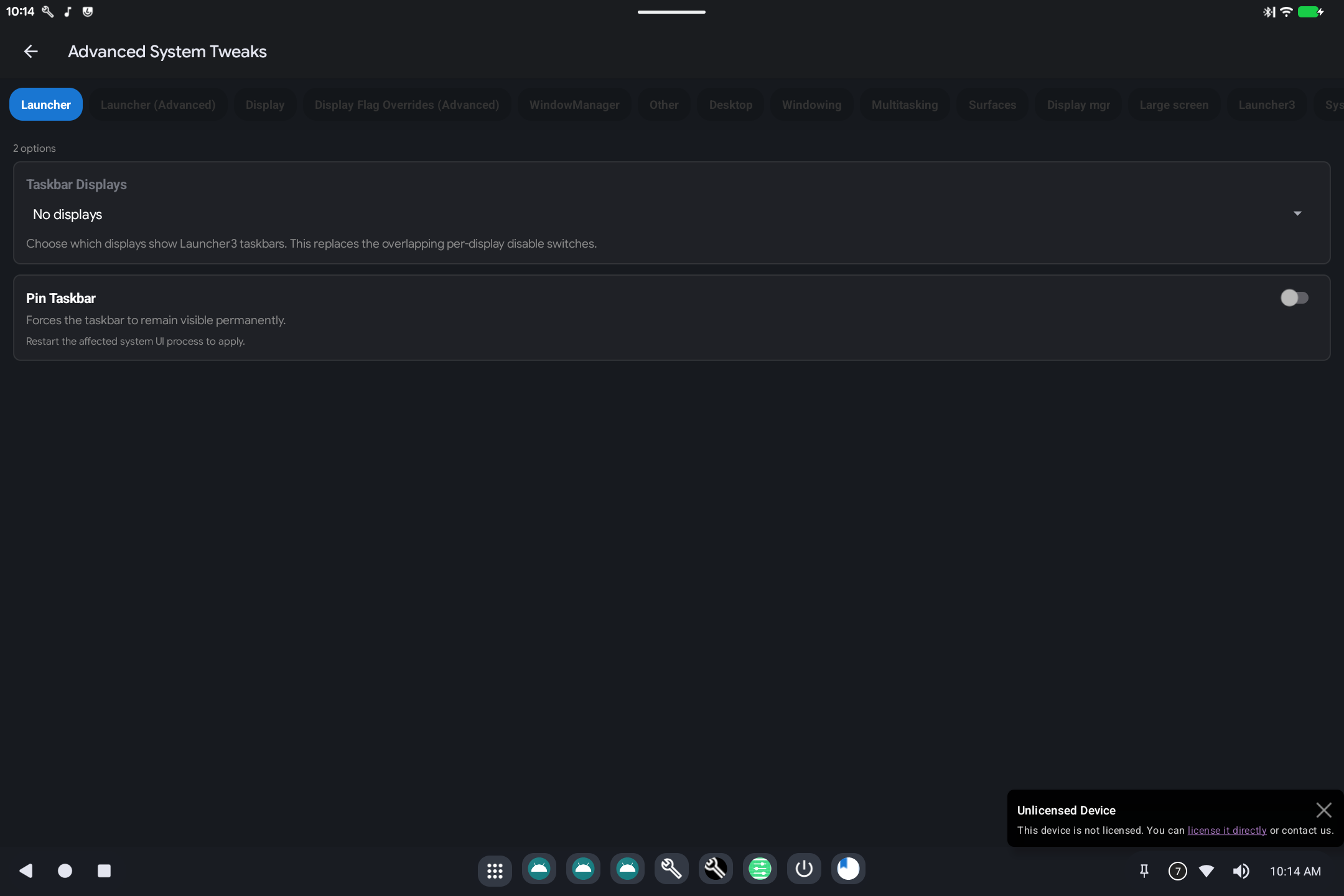
BlissTweaks is a Settings → System page with extra switches for the launcher, extra displays, and windowing (desktop-style windows).
What it is for
Stock Android Settings does not expose every PC/desktop option. BlissTweaks groups the ones this product uses: taskbar behavior, how extra monitors are treated, and whether apps open as windows.
How to use it
Open Settings → System → BlissTweaks (name may appear as Bliss Tweaks).
Work from the tabs or sections:
- Launcher: show/hide or pin the taskbar.
- Display: how extra screens are used (presentation vs a normal desktop). Prefer Display Mapper for size and rotation.
- Window manager: freeform windows vs a single full-screen app. Changing these can make the next session look like a desktop or like a phone. Reboot or restart System UI if a switch says so.
Leave developer-style flag lists (aconfig / device_config tabs) alone unless you were asked to flip a specific item.
Related
-
Technical: BlissTweaks