
Boot Config
Android 16 Lineout. Screenshots and steps on these pages were taken on Bass: Lineout (Lineage 23.2 / Android 16). On Android 14 (Lineage 21.0) the same tools can look different, sit in a different Settings place, or be missing from that image entirely.
Boot Config changes how the device starts the next time you reboot: tablet vs desktop, extra screens, power behavior, and similar options.
Open it from Settings (search for Boot Config). A wrong combination can make the next boot difficult, so treat it as an admin tool.
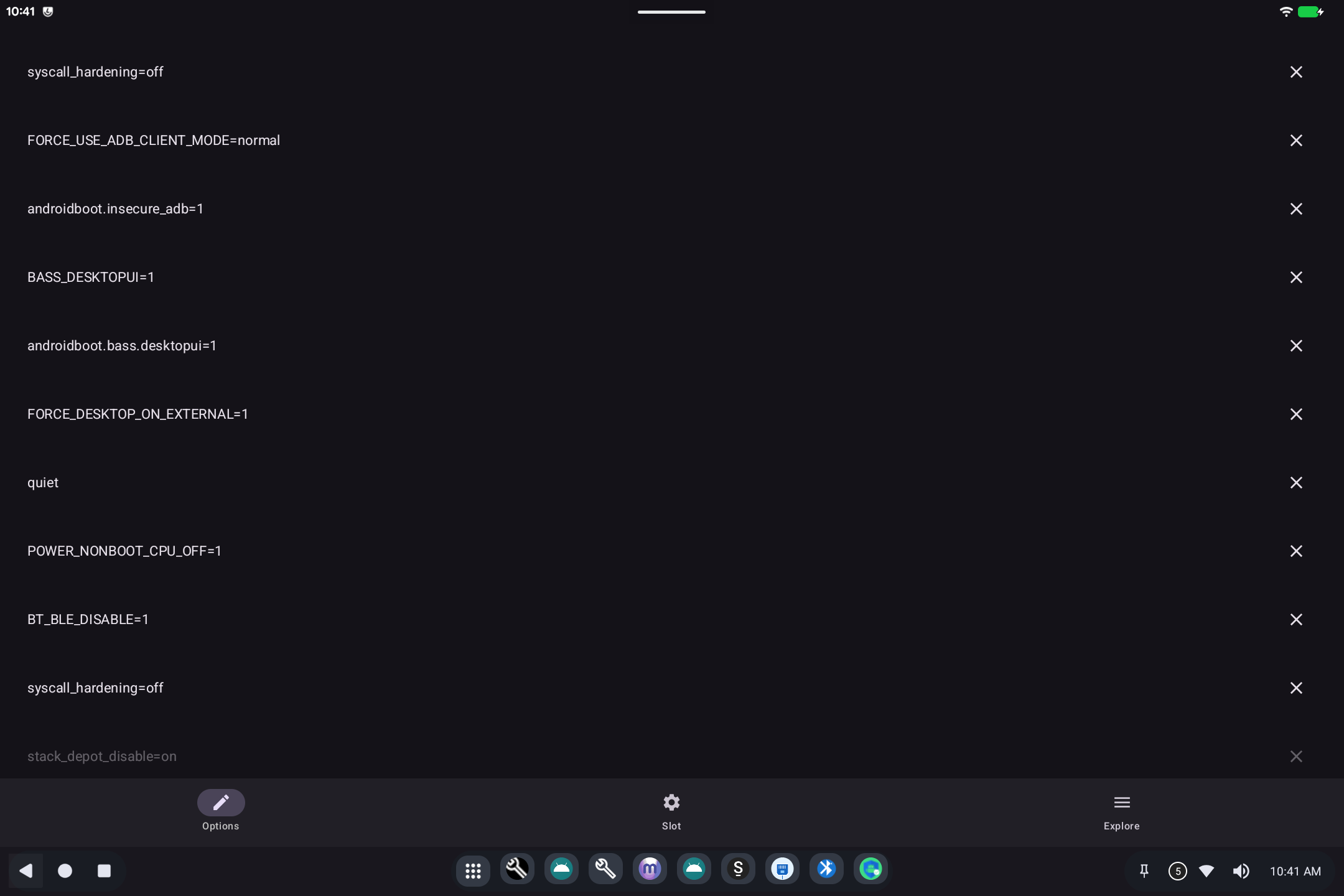
First launch
You will see a warning that this tool edits bootloader settings. Read it. Decline closes the app. I Accept Risks - Proceed opens the option list. You can check Do not show this warning again if you use this tool often.
What it is for
Android on a PC can start in more than one mode. Boot Config turns those modes on or off without rebuilding the system. Typical groups:
- How it looks: tablet, desktop (windows on the desktop), kiosk (locked to one app), or gaming (BlissDeck as Home).
- Screens: resolution, rotation, extra monitors.
- Power: sleep-related boot flags (day-to-day sleep is still Ax86 Power).
- Hardware extras: audio routing at boot, sensors, and similar.
How to use it
- Browse the list and turn on only what you need.
- Save when the app asks you to.
- Reboot so the next start picks up the new flags.
If the device will not start after a change, use the GRUB / Bass boot menu on the next power-on (Bass Boot Options) or restore a known-good boot entry.
Related
- Getting started
- Technical: Boot Config